


The best tools for managing remote teams across time zones cover four jobs: communication, project tracking, scheduling and async documentation. Start with one tool per job, plus a video tool for live calls.
Tools help, but overlap hours decide how well they work. A team with a few shared hours each day can run on very simple tools. A team with none will struggle with any of them.
Below you will find 19 tools grouped by job, a quick-pick table, a routine for running a team across time zones, and how Latin America lines up with US time zones.
Updated for 2026. LatamCent is a nearshore hiring partner, so we have a view on time zones.
We have no commercial relationship with any tool listed here. Plans and limits change, so check each vendor’s pricing page.
Key Takeaways:
Time zone overlap matters more than tool choice. Tools make overlap hours count. They do not create them.
Start with one tool per job: chat, project tracking, scheduling and async docs. Add a video tool for live calls.
Write things down first. Use live calls for decisions and blockers.
Look for local time display, scheduled messages, time zone aware booking, and searchable history.
A common starting stack for a small team is Slack, Asana, Notion, Calendly and World Time Buddy.
Latin America shares most of the US workday, especially Mexico and Colombia, which makes the same tools work in real time.
Quick Pick: The Best Tools at a Glance
Start here if you only need a shortlist. Each tool is covered in detail below.
| Tool | Group | Best for | Free plan |
|---|---|---|---|
| Slack | Communication | Daily messages, threads and channels | Yes |
| Zoom | Communication | Live decisions and recorded calls | Yes |
| Loom | Communication | Replacing status meetings | Yes |
| Staffbase | Communication | Company-wide news in larger firms | Contact vendor |
| Lark | Communication | Chat, calendar, docs and video in one app | Yes |
| Asana | Project management | Structured projects with clear owners | Yes |
| ClickUp | Project management | Teams that want one customizable workspace | Yes |
| Trello | Project management | Simple boards for small teams | Yes |
| Notion | Project management | Notes, databases and team wikis | Yes |
| Miro | Project management | Workshops and visual planning | Yes |
| World Time Buddy | Scheduling | Finding a meeting time across cities | Yes |
| Calendly | Scheduling | Booking links that detect time zones | Yes |
| Doodle | Scheduling | Picking a time for a group | Yes |
| OnceHub | Scheduling | Routing bookings to the right person | Yes, one user |
| Teamup | Scheduling | Color-coded team calendars | Yes, 5 users |
| Confluence | Async docs | Teams already on Jira | Yes |
| Slite | Async docs | Simple async memos and a wiki | 14-day trial |
| Glean | Async docs | Finding answers across many apps | Contact vendor |
| tl;dv | Async docs | Recording and summarizing calls | Yes |
Free plans have limits that change. We checked OnceHub, Teamup and Slite on their pricing pages in November 2026. Check each vendor’s pricing page before you commit.
Best Communication Tools for Distributed Teams
Good communication tools keep context for the people who are offline. Nobody should need to be online at the same time to follow a conversation.
Slack (Collaboration & Messaging)
Slack is a team chat app that organizes conversation into channels and threads.
Best for: daily messages and quick questions across a distributed team.
- Threads keep a discussion in one place for people who join later
- Channels by project, team or region
- Profiles show each person’s local time
- Notification schedules and do not disturb settings protect off-hours
- Huddles and calls for quick live conversations
- Slack AI summaries of threads and channels, depending on plan
Watch for: busy channels pile up overnight. Agree on response-time expectations and use threads.
Zoom (Video Conferencing & Webinars)
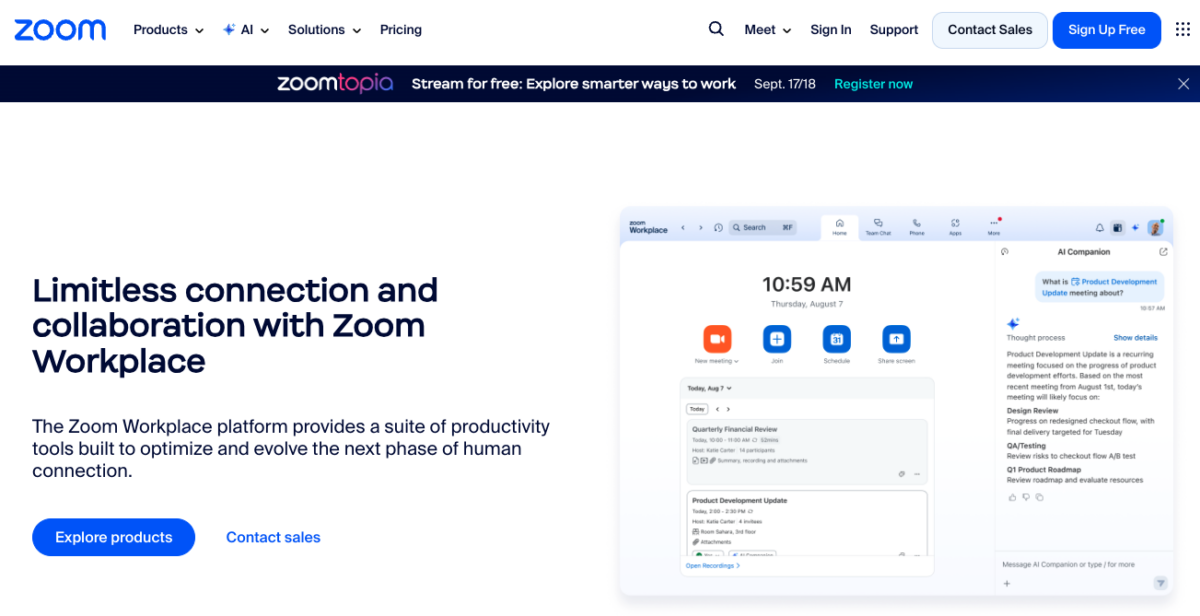
Zoom is a video meeting tool for conversations that text cannot handle well.
Best for: live decisions, workshops and recorded calls for people who cannot attend.
- Recordings that teammates can watch later
- Cloud recording and transcripts, depending on plan
- Breakout rooms for sub-teams
- Screen sharing for reviews and demos
- Integrations with Google Calendar and Microsoft Outlook
Watch for: too many calls. Keep live meetings for decisions and send the rest async.
Loom (Async Video Messaging)

Loom records your screen and camera so teammates can watch on their own schedule.
Best for: walkthroughs, handoffs and feedback that would otherwise need a meeting.
- Screen and camera recording in a few clicks
- Share with a link instead of a large file
- Comments on specific moments of a video
- Transcripts for quick scanning
- Works well for end-of-day handoffs
Watch for: video is slower to skim than text. Add a short written summary above each link.
Staffbase (Internal Comms Platform)
Staffbase is an internal communications platform for company-wide announcements.
Best for: larger companies that need to reach everyone, including people without a desk.
- Posts targeted by location or role
- Mobile app for employees without a company laptop
- Multi-language content
- Engagement analytics on posts
Watch for: it is built for larger organizations and pricing is quoted by the vendor.
Lark (All-in-One Collaboration Suite)

Lark combines messaging, video calls, calendar and docs in one app.
Best for: teams that want fewer separate tools.
- Built-in translation for multilingual teams
- Shared calendars
- Collaborative documents
- Video meetings
- Project boards
Watch for: your clients and partners may already use Slack or Microsoft Teams, so check how you will work with them.
Best Project Management Tools for Remote Work
When people work different hours, the task board becomes the source of truth. Every task needs an owner, a due date and enough context to act on without asking.
Asana (Work Management)

Asana turns requests into tasks with owners, due dates and projects.
Best for: structured projects where ownership must be clear.
- Timeline view that shows how a delay affects other tasks
- Custom fields, such as a time zone or owner field
- Rules that automate routine handoffs
- Project templates for repeatable work
- Guest access for outside collaborators
Watch for: setup takes effort, and some features depend on your plan.
ClickUp (All‑In‑One Workspace)
ClickUp combines tasks, docs, goals and chat in one workspace.
Best for: teams that want one customizable tool.
- List, board, calendar and Gantt views
- Automations for routine handoffs
- Docs next to tasks
- Goal tracking
- Workload view for capacity planning
Watch for: the amount of options can overwhelm new users. Start with one view and add features slowly.
Trello (Kanban Task Tracking)
Trello uses simple boards and cards to show the status of work.
Best for: small teams that want something anyone can learn in minutes.
- Drag-and-drop cards
- Due dates, checklists and attachments
- Board templates
- Power-Ups and automation
Watch for: complex projects with many dependencies outgrow a board.
Notion (Docs & Wiki)
Notion combines notes, databases and wikis in one workspace.
Best for: team documentation, meeting notes and lightweight project tracking.
- Linked databases for projects and tasks
- Real-time editing and comments
- Templates for repeatable docs
- Page history
- Sharing with permission controls
Watch for: without structure a workspace gets messy fast. Assign someone to own the layout.
Miro (Visual Collaboration & Workshops)
Miro is an online whiteboard for planning and workshops.
Best for: brainstorms and visual planning that teammates can contribute to at different times.
- Infinite canvas
- Templates for workshops and planning
- Comments for async feedback
- Live collaboration when you meet
- Export to docs and images
Watch for: boards are hard to skim after the fact. Write a short summary in your docs tool.
Best Tools for Time Zone Management & Scheduling
Scheduling across time zones is where most teams lose time. These tools handle the conversion so nobody does the math by hand.
World Time Buddy (Visual Time Zone Converter & Scheduler)
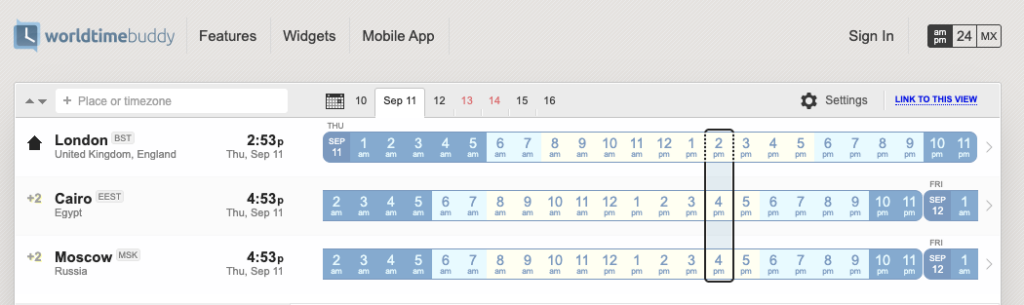
World Time Buddy is a visual time zone converter that shows several cities side by side.
Best for: finding a meeting time that works for people in different cities.
- Side-by-side view of several time zones
- Meeting planner that shows overlapping hours
- Handles daylight saving changes
- Shareable links for proposed times
Watch for: it plans the time but does not book it. Pair it with a calendar tool.
Calendly (Automated Meeting Booking)
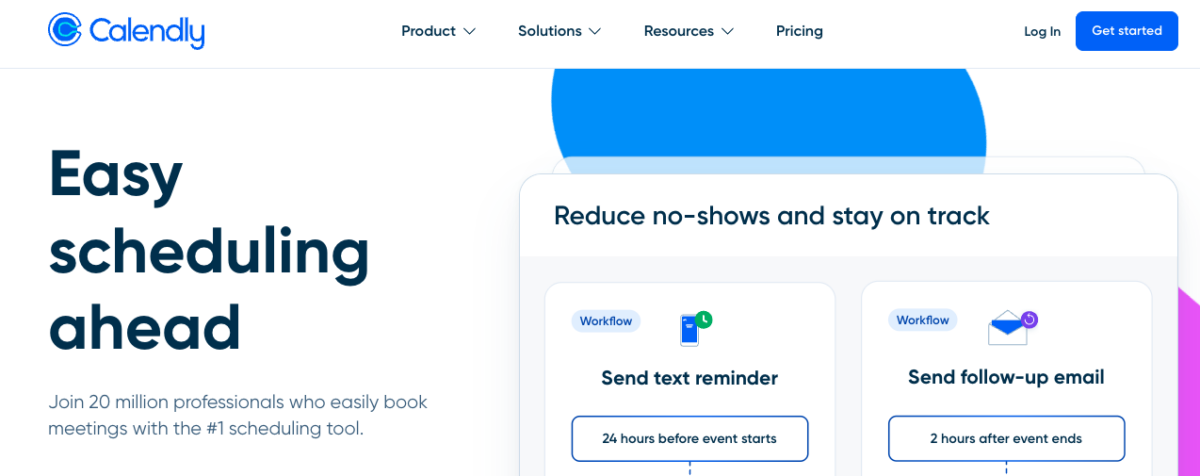
Calendly lets people book time with you through a link that shows slots in their own time zone.
Best for: one-to-one and external meetings.
- Detects the invitee’s time zone
- Buffers between meetings
- Event types with set lengths
- Integrations with popular calendars and video tools
- Routing forms for team booking
Watch for: it is built for booking, not for finding one time that works for a whole team.
Doodle (Group Scheduling Polls)

Doodle runs polls so a group can pick a meeting time.
Best for: one-off meetings with several participants.
- Polls with several time options
- Shows times in each participant’s time zone
- Group availability view
- Calendar integrations
Watch for: polls need people to respond. Set a deadline.
OnceHub (Smart Calendar & Time Zone Planner)

OnceHub is a scheduling platform with booking pages and routing.
Best for: teams that need bookings routed to the right person.
- A free Basic plan with one user and one booking link
- Booking links that can lock a time zone, useful for events
- Routing of requests to the right person on paid plans
- Calendar integrations with Google, Microsoft 365 and iCloud
- Automated reminders and follow-ups
Watch for: the free plan covers one user, and routing sits on paid plans. Compare it with a simpler scheduler first.
Teamup (Calendar with Auto Time Zone Conversion)
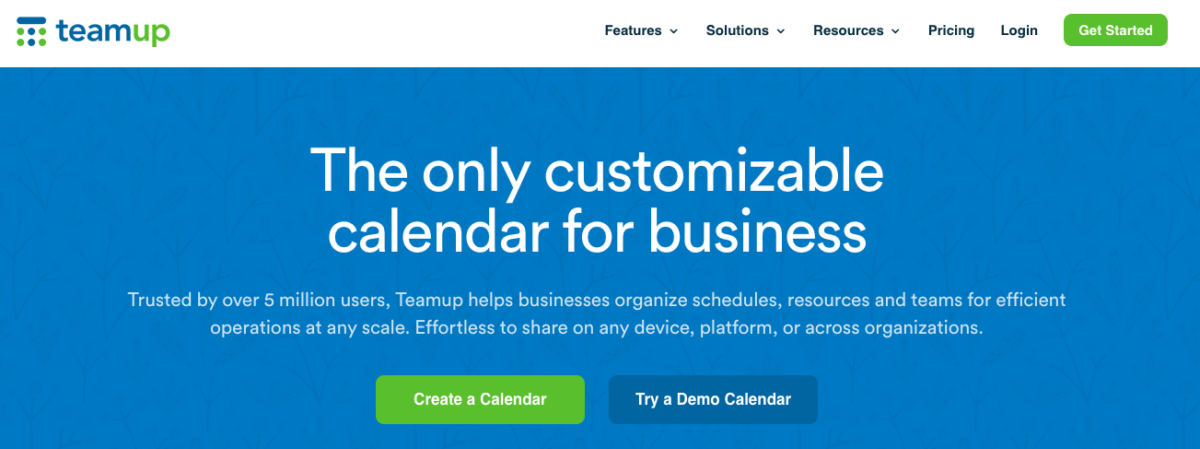
Teamup is a shared calendar for teams, with color-coded sub-calendars.
Best for: showing who is working when, and when key events happen.
- Color-coded sub-calendars
- Time zone support on every plan
- Access controlled through links and user groups
- A free plan with 5 sub-calendars and 5 users
- Calendar feeds you can subscribe to
Watch for: it is a calendar, not a booking tool.
Best Tools for Async Work and Documentation
Async work runs on writing. If an answer lives in a document, nobody has to wait for a teammate in another time zone to wake up.
Confluence (Enterprise Wiki & Collaboration)
Confluence is a team wiki from Atlassian for documentation and knowledge sharing.
Best for: teams that already use Jira.
- Spaces and pages that organize knowledge
- Templates for common docs
- Page history and permissions
- Integration with Jira
- Search across pages
Watch for: it can feel heavy for small teams.
Slite (Async Memo & Team Docs)

Slite is a team knowledge base focused on simple writing.
Best for: async-first teams that want a clean place for memos and policies.
- Simple editor
- Team channels or spaces
- Comments for feedback
- Integration with Slack
- Doc history
- AI search across your docs, depending on plan
Watch for: there is no free plan, only a 14-day trial, and paid plans are priced per user per month.
Glean (Enterprise Search & AI Assist)
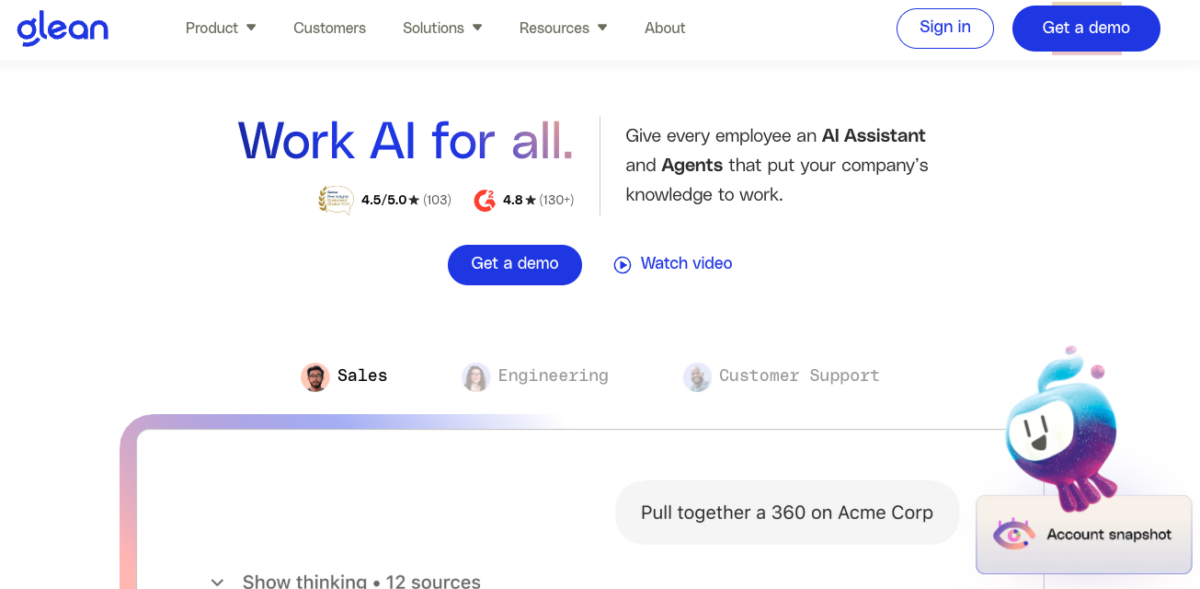
Glean searches across a company’s connected apps and answers questions from that knowledge.
Best for: large companies where information is spread across many tools.
- Search across connected apps
- AI-generated answers from company content
- Results respect existing permissions
Watch for: it is an enterprise product, and pricing is quoted by the vendor.
tl;dv (Meeting Recordings & Transcripts)
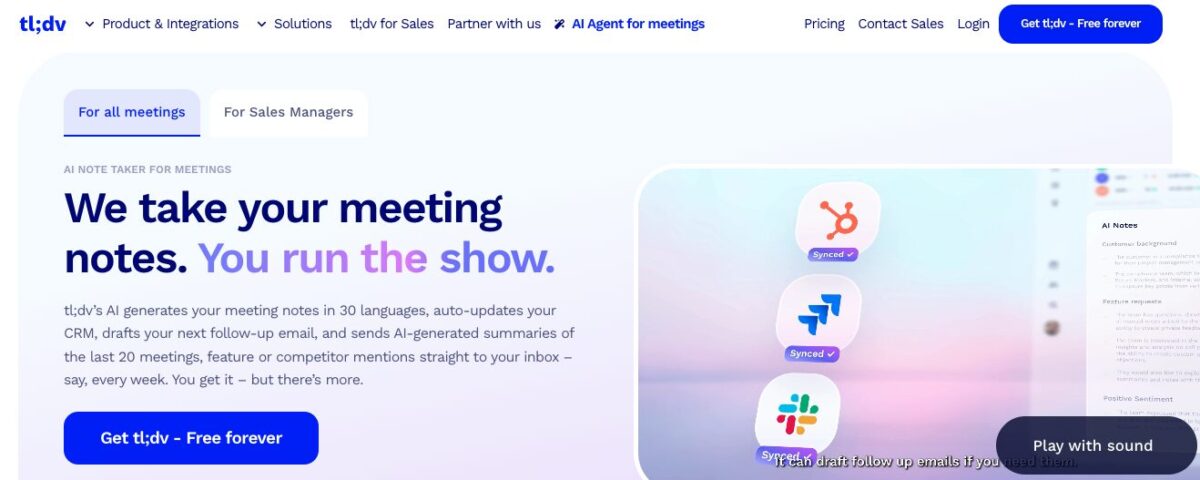
tl;dv records, transcribes and summarizes online meetings.
Best for: giving people who missed a call a quick summary.
- Recording and transcripts
- AI summaries and action items
- Works with common video tools
- Shareable highlights
Watch for: tell participants before you record and follow your privacy rules.
How to Manage Remote Teams Across Time Zones
Tools only help if the team agrees on how to use them. These habits do most of the work.
- Agree on core overlap hours. Pick a daily window when everyone is online, and keep live meetings inside it.
- Default to async. Write the question, the context and the deadline, so the answer does not need a call.
- Escalate to live only for decisions and blockers. Everything else can wait for a reply.
- Write handoff notes. End each day with what is done, what is blocked and what the next person should do.
- Rotate unpopular meeting times. Do not make the same people join at the edge of their day.
- Make time zones visible. Show local time in chat profiles and calendars, and write times with a zone.
- Set response-time expectations. Say what “urgent” means and how to reach someone in an emergency.
- Record and summarize. Share a short summary of every live meeting for those who missed it.
Example: A Six-Person Team in Mexico City and New York
This is an illustrative setup, not a client case. Three people work in New York and three in Mexico City, all on a 9:00 to 18:00 local workday.
Mexico City stays on the same clock all year. New York moves by one hour with daylight saving, so the shared window shifts slightly. A core window of 11:00 to 15:00 Eastern falls inside both workdays all year.
| Part of the routine | How it works |
|---|---|
| Core overlap | 11:00 to 15:00 Eastern. That is 10:00 to 14:00 in Mexico City in winter and 9:00 to 13:00 in summer. |
| Live meetings | Standup and planning only, held inside the core window. |
| Written updates | Slack threads for questions, Notion for decisions and docs. |
| Demos and walkthroughs | Recorded with Loom and posted with a short written summary. |
| Handoff | A short end-of-day note: done, blocked, next. |
| Code review | Quick reviews live in the window. Non-urgent ones are answered by the start of the next working day. |
| Scheduling | World Time Buddy to check new meeting times, Calendly for outside calls. |
What to Look for in Tools That Support Remote Teams
Use this checklist when you compare tools.
- Time zone visibility. Does it show each person’s local time and convert times for invitees?
- Async-first features. Scheduled messages, threads, searchable history and comments keep context for people who are offline.
- A way to go live. Can you start a call from the same place without losing the conversation?
- Easy onboarding. A new teammate should be productive in a day, not a week.
- Integrations. It should connect to the tools you already use, such as your calendar, GitHub or chat app.
- Permissions and security. Check access controls and where data is stored before you roll it out.
Why Nearshoring to LATAM Reduces Time Zone Challenges
The best tools cannot fix a large time gap. India sits about 10 hours ahead of US Eastern Time, and China and the Philippines about 12 to 13, so a question can wait a full day. Latin America sits within about two hours of US Eastern Time, so most of the workday is shared.
| Country | Main hubs | vs US Eastern | vs US Central | vs US Pacific |
|---|---|---|---|---|
| Mexico | Mexico City, Guadalajara, Monterrey | 1 to 2 hours behind | 0 to 1 hour behind | 1 to 2 hours ahead |
| Colombia | Bogotá, Medellín, Cali | 0 to 1 hour behind | 0 to 1 hour ahead | 2 to 3 hours ahead |
| Argentina | Buenos Aires, Córdoba | 1 to 2 hours ahead | 2 to 3 hours ahead | 4 to 5 hours ahead |
| Brazil | São Paulo, Curitiba, Florianópolis | 1 to 2 hours ahead | 2 to 3 hours ahead | 4 to 5 hours ahead |
| Chile | Santiago, Valparaíso | 0 to 2 hours ahead | 1 to 3 hours ahead | 3 to 5 hours ahead |
Approximate. Offsets shift when the US or Chile change their clocks. Most of Mexico, Colombia, Argentina and Brazil no longer use daylight saving. Confirm the exact overlap for your team.
With that overlap, the tools above work the way they were designed: standups, reviews and quick questions happen in real time, and async tools handle the rest. For a full guide, see our article on nearshore staffing and our list of nearshoring agencies. To start hiring, see our guide to hiring in Latin America. If you want to hire someone legally in another country, read about Employer of Record providers in Latin America.
How LatamCent Helps You Build Remote Teams for B2B SaaS Startups
LatamCent recruits vetted engineering, go-to-market and finance talent in Latin America for US B2B SaaS companies. The people we place work full time in your time zone, inside your tools.
You pay the professional’s compensation plus a service fee, quoted per role.
Conclusion
Tools make remote work easier, but geography sets the limit. Choose a small set of tools, agree on overlap hours, and write things down so the team can move without waiting for each other.
When a team shares most of the workday, the same tools work in real time.
Ready to build a remote team that works your hours?
LatamCent recruits vetted talent in Latin America for US B2B SaaS teams.
Frequently Asked Questions
What are the best tools for managing remote teams across time zones?
A solid setup uses one tool per job: Slack for chat, Zoom and Loom for live and recorded video, Asana, ClickUp or Trello for projects, Notion or Confluence for docs, and World Time Buddy or Calendly for scheduling. Overlap hours matter more than the specific tools.
What tools help manage communication across time zones?
Slack keeps conversations in threads and shows each person’s local time. Loom records async video updates. Zoom handles live calls and recordings. Together they let people follow a discussion without being online at the same time.
How do I choose software to manage employees working across time zones?
List the jobs you need covered, then pick one tool per job. Check that each shows local time, supports async work, converts times for invitees and connects to your existing tools. Start with a small trial team before rolling it out.
How do I manage remote teams across multiple time zones?
Agree on a daily window of overlap, write things down so most work needs no call, write handoff notes, rotate unpopular meeting times and make time zones visible in chat and calendars. Use live calls only for decisions and blockers.
Which tools help schedule meetings across time zones?
World Time Buddy shows several cities side by side and highlights overlapping hours. Calendly shows booking slots in the invitee’s time zone. Doodle lets a group vote on a time. Shared calendars such as Teamup help show who is working when.
What is the difference between async and real-time collaboration tools?
Async tools, such as docs, recorded video and threaded chat, let people respond on their own schedule. Real-time tools, such as video calls, need everyone online together. Most teams use both: async by default and real time for decisions.
What tools work for hybrid teams across time zones?
The same stack works: a chat app, a project tool, a scheduling tool and a shared docs space. Add a video tool with recordings for meetings, and make sure remote and in-office people get the same information.
Which project management tool is best for teams in different time zones?
It depends on the team. Asana suits structured projects with clear owners, Trello suits small teams that want simple boards, and ClickUp suits teams that want one customizable workspace. Whichever you choose, make owners and due dates required.
What are the best async communication tools?
Slack threads work well for written updates, Loom for recorded video, and Notion, Confluence or Slite for documentation. Async tools work best when each update includes context, a deadline and a clear owner, so nobody has to ask a follow-up question across time zones.
How do you split code reviews and on-call across US and Latin America time zones?
Use the overlap window for live reviews and pairing, and send non-urgent reviews to a queue with a clear response target, such as the start of the next working day. For on-call, rotate by region so each person covers hours inside their own workday, and keep a written runbook for handoffs. Mexico and Colombia overlap with US Eastern Time for most of the day, which makes shared rotations easier.
Which Latin American countries stay within a couple hours of US time zones?
Mexico and Colombia sit closest to US Eastern Time, within about two hours. Argentina and Brazil sit one to two hours ahead of US Eastern. Chile shifts between zero and two hours ahead, depending on the season. The table above shows the offsets for US Eastern, Central and Pacific time.
Which EOR supports employees across time zones?
An Employer of Record employs people legally in their own country, and you choose where they live, so time zone depends on the country you hire in, not on the EOR. Compare providers on the countries they cover, and see our guide to Employer of Record providers in Latin America.